Image to Vector Converter
Turn any image into
editable vectors.
Upload a PNG, JPG, or WebP and get a crisp, editable vector in seconds. No Illustrator. No messy traces. No waiting.
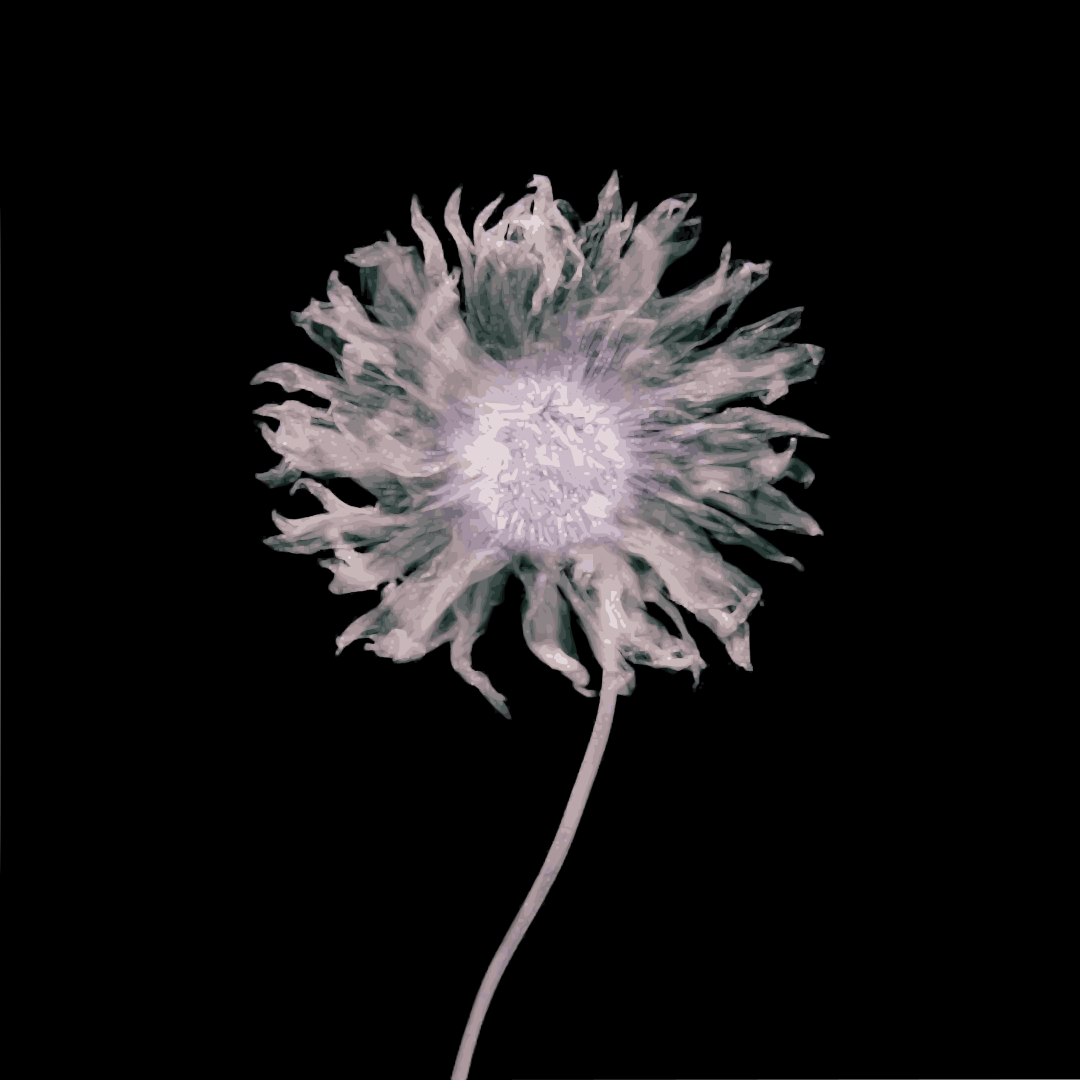
flower.png→flower.svg
24 paths
Examples

PNG
VECTOR
1080 × 108024 pathsBotanical
Palette
Click any swatch to edit its color
Lightning Fast
Clean SVG Output
Browser-Based
Export to Figma
Illustrator Ready
Free to Try
Pixel-perfect Tracing
WebP Support
Lightning Fast
Clean SVG Output
Browser-Based
Export to Figma
Illustrator Ready
Free to Try
Pixel-perfect Tracing
WebP Support
How it works
From image to vectors in seconds
Step 01
Upload
Drag & drop your image or browse files. Supports PNG, JPG, WebP.
Instant ingestion
Step 02


Auto vectorize
Intelligent tracing converts your raster into clean vector paths, no noise or jagged edges.
Crisp output
Step 03
output
14 KB · vector
SVG
AI
Figma
Ready to download
Edit & export
Fine-tune directly in your browser and download SVG ready for Figma, Illustrator, or web.
Workflow-ready
Output quality
Why choose VectorDrop
Precision in every path, smoother curves, fewer anchor points, cleaner output. The difference is in the detail.
Refined paths
Fewer points
More points
Irregular curves
Drag to compare
Refined paths
Fewer points
Vector Magic $30/moAdobe $60/moVectorizer.ai $14/moVectorDrop Free*
Try VectorDropFree to start
Coming soonIcon generation
Generate icons in
any design system style
Describe any icon. VectorDrop learns your design system and generates a new icon that feels native.
01
Search
Find visual references
02
Learn
Extract design rules
03
Generate
Create SVG output
Notify me when it launches


Explore VectorDrop

VectorDrop